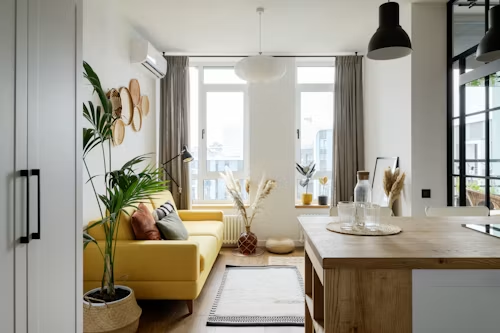

A practical brief for showing furniture clearly across product pages, catalogs and collection launches.
Furniture product photography needs to answer more than “Does it look good?” A retailer’s image set should help a customer understand the piece’s shape, scale, materials and intended use before making an inquiry or purchase. A clear shot list makes that work easier for photographers, merchandising teams and product suppliers.
This guide is for furniture retailers, distributors, interior designers and e-commerce teams preparing product listings. It outlines six useful image types, a few consistency checks and the technical details to confirm before a collection goes live.
Key takeaways
- Start with one uncluttered image that shows the complete product clearly.
- Use supplementary views to explain scale, materials, construction details and room context.
- Keep images accurate to the approved product and consistent across color or finish variants.
- Check each sales channel’s current image specifications before export.
Why a furniture listing needs more than a hero image
Furniture is often evaluated from several angles: the overall silhouette, the space it occupies, the surface people will touch and the way it works with other pieces. One front-facing image can introduce a product, but it rarely communicates all of those details. A planned image sequence lets each view answer a different question rather than repeating the same composition.
For a sofa, table, cabinet or chair, the goal is not to create the largest possible gallery. It is to make the product easier to assess. Google Merchant Center currently recommends a complete visual portfolio, including alternate angles, a neutral-background image, a lifestyle view and detail shots; it also recommends 5 or more additional images where practical. Treat that as platform guidance, not a universal requirement, and verify the current specifications before a product-feed launch. [1]
Six images to include in a furniture photography shot list
A useful furniture photography brief can be built around six views. Not every SKU needs a separate file for every view, but each product page should answer the questions most relevant to that piece.
1. A clear primary view
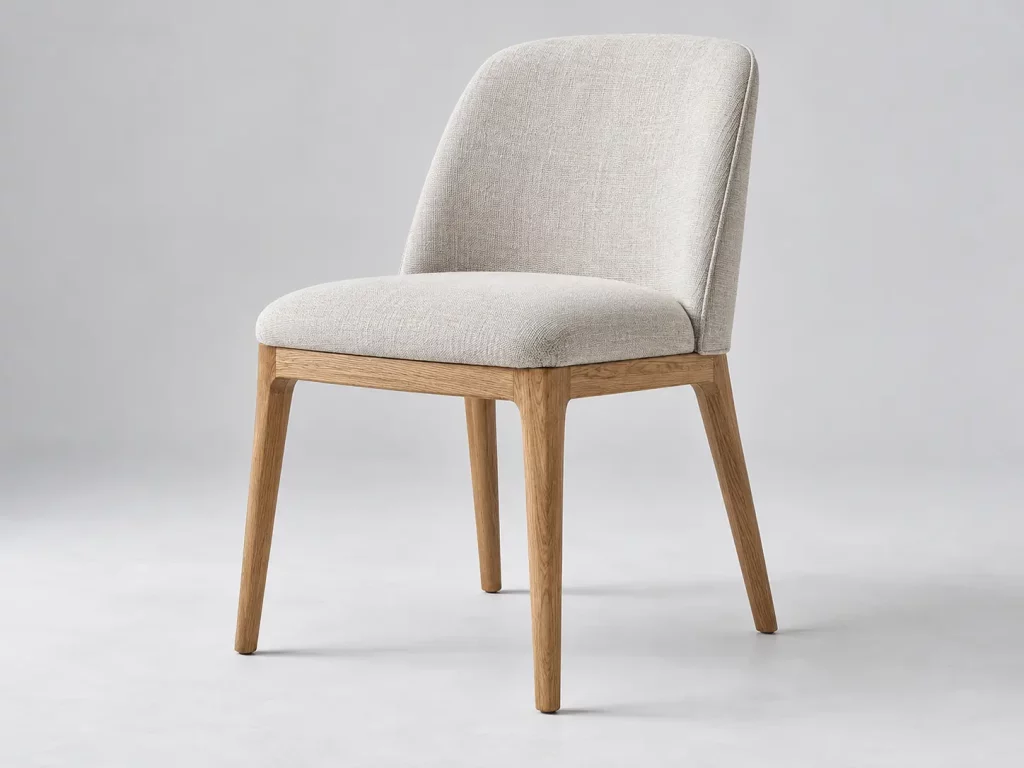
Choose a front or three-quarter angle that shows the whole piece without cutting off legs, handles or edges. Use a simple background and keep props away from defining features. This image becomes the visual anchor for search results, collection pages and the top of the product detail page.
2. Alternate angles
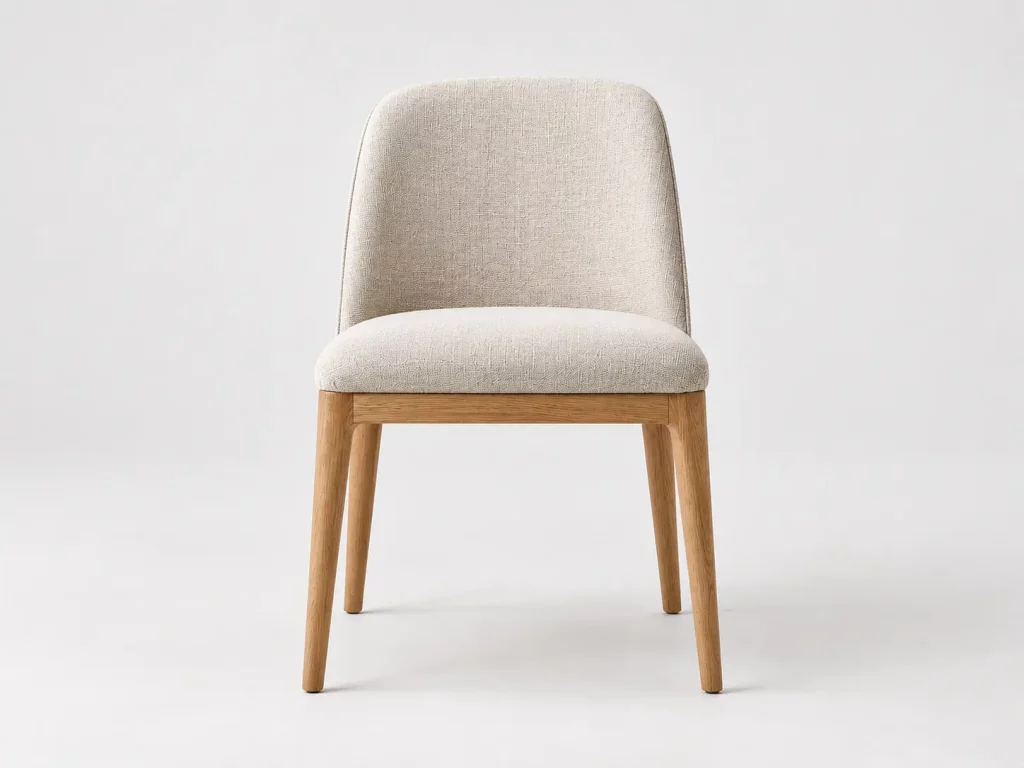
Add side and back views when the shape, frame or access points matter. For a chair, a side view can make the back profile and seat depth easier to understand. For a cabinet, a rear or open-door view can clarify what is visible only from another side. Shopify’s product-media guidance also recommends consistent aspect ratios for images shown together in collection grids. [2]
3. Dimensions and scale
Provide confirmed product dimensions in the listing, and use a separate diagram or image treatment if a visual measurement guide will help. Show the item beside familiar room elements only when the proportions remain credible. Do not ask the photographer to estimate dimensions from a staged scene; keep exact figures tied to the product specification.
4. Material and finish details
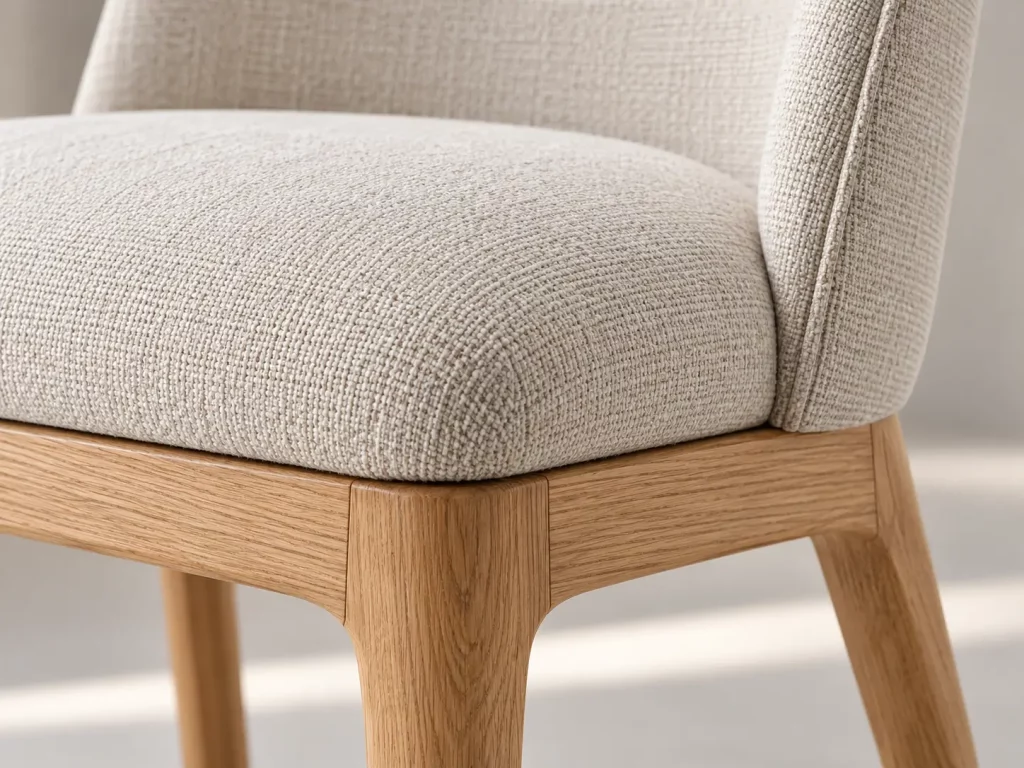
Use close-ups to show grain, texture, upholstery, stitching, edges and hardware. Photograph each finish variant accurately and under consistent lighting. A close crop can show useful detail, but include a caption or label in the product page that connects the detail to the correct part or finish.
5. A realistic room setting
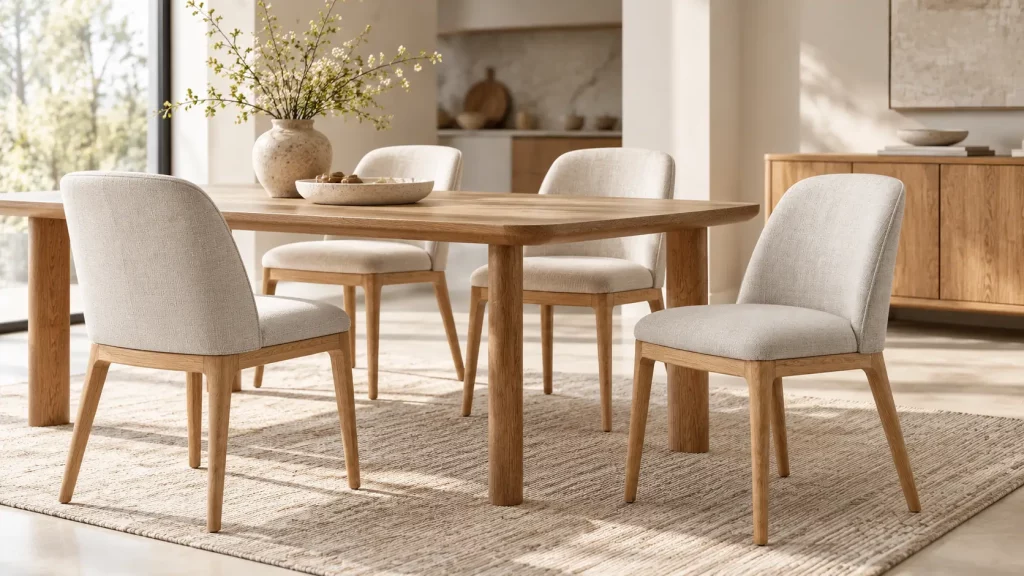
A lifestyle image helps shoppers imagine how the product may work in a room. Keep the furniture as the subject: use a believable arrangement, leave enough space around the piece and avoid props that imply accessories are included when they are not. When showing a set, identify which items are part of the offer.
6. Functional or configuration view
Show drawers open, leaves extended, nesting pieces separated or seating in a representative arrangement when those functions are part of the product. For assembly-required items, confirm whether an assembled view, component view or instruction image is most useful. Do not rely on a lifestyle image to communicate a feature that is difficult to see.
Keep the image set accurate and consistent
The gallery should represent the product customers will receive. Before photography, align the sample, finish name, dimensions and included components with the final product information. If the production specification changes after the shoot, update the affected images rather than leaving a visual record of an earlier version.
Consistency matters across a collection as well. Repeat the camera angle, crop, background tone and lighting for related products so that shoppers can compare them easily. Small variations in framing may be unavoidable, but a consistent image approach makes a collection look deliberate across a category page.
A practical pre-shoot checklist
- Confirm the photographed sample matches the approved product and finish.
- List the views required for every SKU and every meaningful color or material variant.
- Record the exact dimensions, product code, included items and function to be shown.
- Choose a consistent background, camera angle, crop and naming convention.
- Separate clean product views from lifestyle imagery and detail crops.
- Check final files against the image rules for the website and each product feed.
Check channel specifications before export
Image requirements vary by platform and may change. As of the current Google Merchant Center guidance, Google recommends images around 1,500 x 1,500 pixels or larger for best performance; a minimum of 500 x 500 pixels is scheduled to apply across product categories from January 31, 2027. Google also advises using clean product imagery without promotional overlays. Check the live Google image link requirements before publishing or refreshing a feed. [1][2]
For a Shopify catalog, square product images around 2,048 x 2,048 pixels are commonly recommended by Shopify, and keeping a consistent aspect ratio helps product cards align in collection grids. Your theme and other sales channels may have different needs, so retain high-resolution master files and export channel-specific copies as required. See Shopify’s product media guidance for current details. [3]
Coordinate the photo brief with the product brief
Photography planning works best when it begins before the product sample is finalized. Include the intended views, variant coverage, usage context and technical requirements in the content plan, then confirm the final image list against the approved specification. This helps prevent a common gap: a polished gallery that still leaves buyers asking for a missing angle, a close-up or a clear list of what is included.
For product development and specification questions, review Hometree’s design and development process or explore the Hometree product range. Align the image plan with the actual product and the needs of the market where it will be sold.
Frequently Asked Questions
How many images should a furniture product listing have?
Use enough views to show the product clearly, including its main angle, relevant alternate views, details and room context. Google Merchant Center currently recommends 5 or more additional images where practical, but channel requirements and the needs of each product vary.
What is the best angle for a furniture product photo?
A front or three-quarter view often works well as a primary image because it can show the overall form. Add side, back or detail views when they reveal features that are not visible from the primary angle.
Should furniture product photos include room scenes?
A room scene can help communicate scale and use. Pair it with a clear product image, keep the furniture prominent and make it clear which props or accompanying items are not included.
What image size should furniture retailers prepare?
Keep high-resolution master files, then export versions for each channel. Google currently recommends around 1,500 x 1,500 pixels or larger; Shopify suggests 2,048 x 2,048 pixels for square images. Confirm the current specifications before uploading.
Conclusion
Good furniture product photography is a planned sequence, not a single attractive shot. Use a clear primary view, add only the angles and details that answer real questions, and keep every image tied to the approved product information. With a repeatable shot list and current channel specifications, retailers and product teams can present furniture more clearly across product pages, catalogs and collection launches.
Sources and further reading
[1] Google Merchant Center image best practices and requirements